

What Does Applied Epic Administrative Support Actually Cover?
Applied Systems describes Applied Epic as an agency management platform with policy and document management, workflows, reporting, and configurable permissions. An agency may use it for several lines and departments, but the assistant's assignment should be much narrower than the platform's feature list.
For a first assignment, administrative support might mean organizing a returned policy document, recording a carrier response, preparing an expiration report for review, or checking whether required renewal information is present. The agency must specify which record can be changed, what source supports the entry, what activity or attachment rule applies, and who approves the next step. “Work in Epic” is not a task description.
The assistant should not infer that a requested endorsement is issued because an email was sent, or tell a client that a particular limit applies from an unreviewed field. NAIC's producer licensing overview explains the state-regulated activities of selling, soliciting, and negotiating insurance. The agency should define its administrative and licensed boundaries under applicable state rules, its carrier arrangements, and its own approvals.
Identify the Agency's Release, Setup, and Role First
Applied Epic can be configured for different branches, groups, users, policies, and workflows. Applied also maintains a product release hub as the product changes. Ask the agency's Epic administrator which release, interface, enabled functions, and local configuration the person will actually encounter. A demonstration from another agency or an old training video cannot answer those questions by itself.
| Agency decision | Put in the test brief | Why it changes the assessment |
|---|---|---|
| Environment | Agency release and interface, test or training location, enabled modules | Determines what the candidate can see and what instructions apply |
| Business scope | Branch, line of business, account type, and one task queue | Keeps a prospect-entry demonstration from standing in for policy servicing |
| Record standards | How to identify the correct account, policy term, line, and current document | Exposes wrong-record errors before live work begins |
| Role and access | Named test user, permitted records and actions, attachment access, connected systems | Shows whether the proposed role can do the task without excessive rights |
| Handoff | Activity code, note standard, owner, due date, review and escalation rule | Makes completion visible to the next agency team member |
Do not copy an administrator's login to make the demonstration easier. Applied's own product page describes granular client and user permissions, and its attachment-access documentation illustrates that document visibility can be controlled. The linked help page is for a specific Epic release; the agency administrator should confirm the current controls and how its environment implements them.
NIST's small-business guidance recommends multi-factor authentication on accounts that offer it. Give the assistant an individual account and task-appropriate rights, then test those rights before processing a live file.
Define the Record, Activity, and Attachment Standard
An agency should write down the output before watching a candidate work. In a policy-servicing example, the account and policy term must match the source; the activity should say what was received, done, and left open; and the attachment should be saved under the right record with the agency's approved label and visibility. If the source disagrees with the AMS, the task should remain open for the designated reviewer.
Specify whether the assignment includes an account-level record, a particular policy or line, an activity, a document, a carrier-portal step, or a combination. “Attach the document” is incomplete when an insured has an expired term and a current term. “Close the activity” is premature when the agency is still waiting for a carrier response or approval.
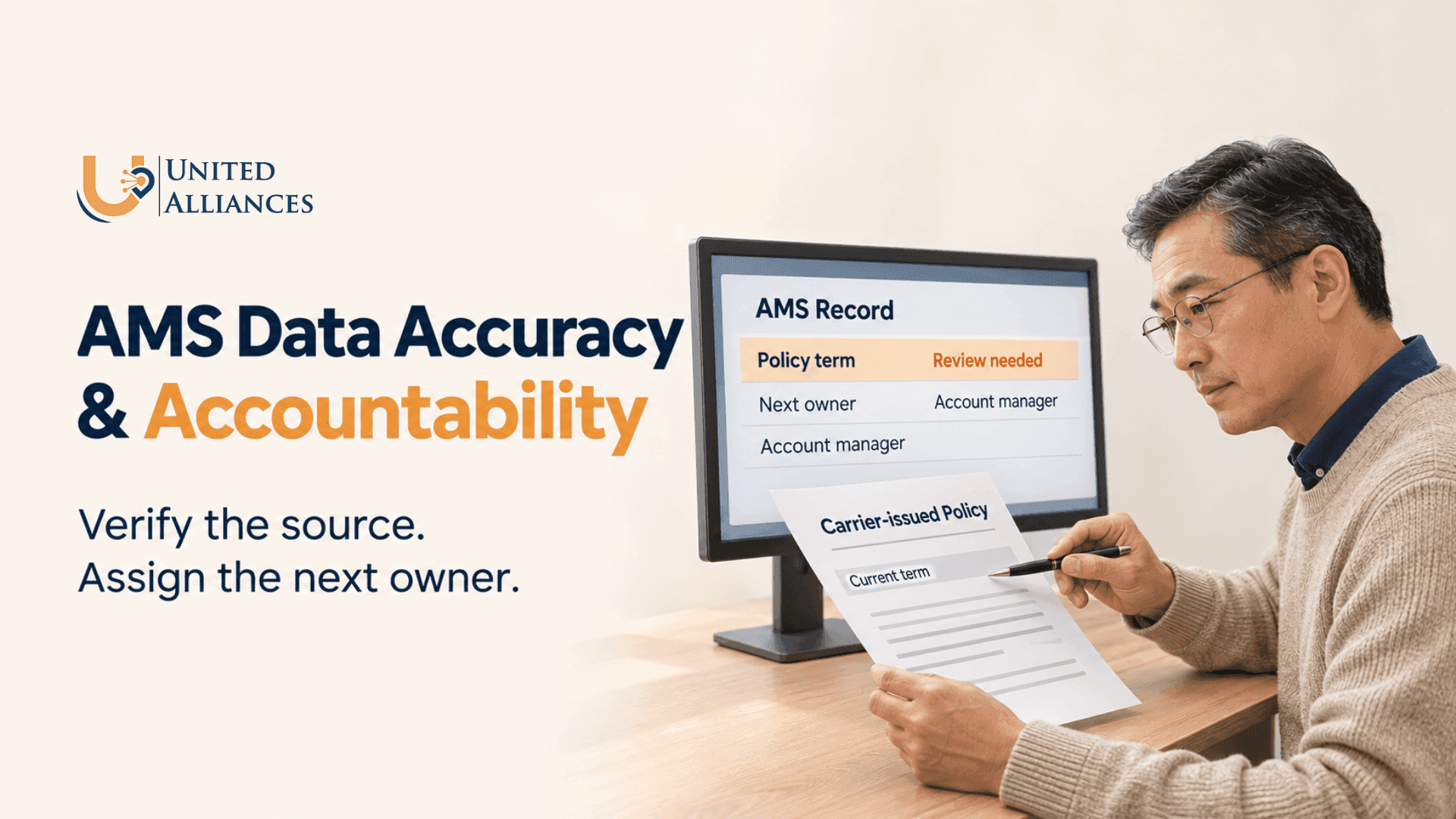
Applied's policy and document capabilities give agencies a place to keep this history, but the agency's local conventions determine the right activity code, folder, document category, and next owner. United Alliances' AMS, accuracy, and accountability article explains the broader operating principle. For this Applied Epic test, use the agency's actual convention as the standard, not a generic idea of how an Epic screen should look.
Use a Sanitized Applied Epic Workflow Test
Build a small exercise with fictional data or a properly sanitized agency record. For example, give the candidate a commercial-auto account with a prior policy term, a current renewal document, a carrier email about one outstanding item, and an agency instruction for logging a follow-up. Make one detail intentionally inconsistent: the email refers to a different effective date from the current document. The candidate should notice the mismatch and route it for review, not silently overwrite the policy record.
Ask the candidate to demonstrate how they would locate the intended account and term, identify the source, create the approved activity or task, attach the document according to the agency's rule, and leave the file in the correct open status. If the test environment does not permit one of those actions, the candidate should say so and describe the intended handoff. Do not score a hidden permission problem as a personal failure.
A one-page test record
Use the same form for each candidate or provider. The values in this example are test instructions, not evidence of a real United Alliances client or an Applied Systems endorsement.
| Test field | Example instruction | Reviewer records |
|---|---|---|
| Environment and role | Agency's approved Epic training environment; servicing role for a commercial-auto queue | Release and interface used; access present or missing |
| Sample record | Fictional account E-204, current and prior policy terms | Correct account, term, and line selected |
| Source and discrepancy | Current renewal document plus an email with a conflicting date | Source linked; mismatch identified without an unapproved change |
| Activity standard | Agency-supplied code and note format; account manager owns the open question | What happened, next owner, and follow-up date visible |
| Attachment rule | Agency-supplied category, naming and access instruction | Document attached to the intended record and visible to the right reviewer |
| Review result | Reviewer checks record, activity, document, and exception route | Pass, coached retry, or hold; specific reason and decision owner |
A good test is not a race through the menus. The reviewer should ask the candidate to explain why they chose the record and what they would do if the carrier email were the only available source. The answer should distinguish a request from confirmed policy information. The agency can repeat the exercise after giving its own SOP; improvement after training is useful evidence about readiness.
Decide What Passes Before Live Access Expands
Score the observable result, not the candidate's confidence. A pass means the assigned role could perform the permitted steps, the correct account and term were used, the activity and attachment follow the agency standard, and the discrepancy remains visible with the right owner. A coached retry fits a correctable local convention, such as a document label the candidate had not been taught. A hold fits the wrong client's record, an unapproved policy change, mishandling of test data, or an exception closed as though it were resolved.
The review should separate three causes of a miss: the person's skill, an unclear agency instruction, and a permission or configuration gap. Otherwise, the agency may reject a capable assistant for an unavailable function or approve a confident assistant who bypassed a control. Record the result against each field in the test form, then decide whether the person is ready for a narrow live queue, another supervised exercise, or a different assignment.
For initial live work, review a small set of normal requests and a few exceptions before expanding the scope. Check the original source, final record, activity, attachment, and unresolved queue together. If the account manager has to reconstruct the request from email, the task may be technically entered but still poorly handed off. A policy servicing workflow needs both completion evidence and a clear route for work that remains open.
Who Owns Configuration, Implementation, and Insurance Decisions?
An insurance VA working in Epic is not automatically an Epic implementation consultant. Setting up branch hierarchies, changing system-wide codes, planning migration, configuring integrations, or troubleshooting a vendor issue belongs with the agency's system owner, Applied Systems, or an appropriately engaged implementation specialist. A VA may help prepare data or document existing steps if that is in the agreed scope, but the agency should name a separate owner for design and approval.
The same boundary applies to insurance decisions. A person can accurately log a client request and still lack authority to interpret a policy, advise on a limit, approve unusual certificate wording, or bind a change. Define the escalation contact for those situations and the point at which the assistant stops. The broad insurance VA selection guide covers provider fit, security, onboarding, and support model; this guide focuses on proof of readiness for one Epic workflow.
How United Alliances Can Be Evaluated for Applied Epic Work
United Alliances names Applied Epic among the AMS platforms on its Insurance Virtual Assistant service page. Its back-office service page describes administrative work in client-approved systems with intake, quality checks, and activity logging. Those are descriptions of offered support, not proof that a particular proposed assistant has used your agency's release, configuration, or exact task.
Bring United Alliances a sanitized Epic workflow brief and ask to evaluate the person who would actually perform it. Confirm that person's recent task-level experience, the line of business, assigned supervisor, access and backup arrangements, review method, and the handling of exceptions. Use the same test record and criteria you would use for any provider. If the assignment fits, the United Alliances contact page is a way to discuss a bounded starting queue.